 ProofCam
Date, time and place
on every work photo
Stamped the moment you take it, with the address and your note. No account, and it works offline.

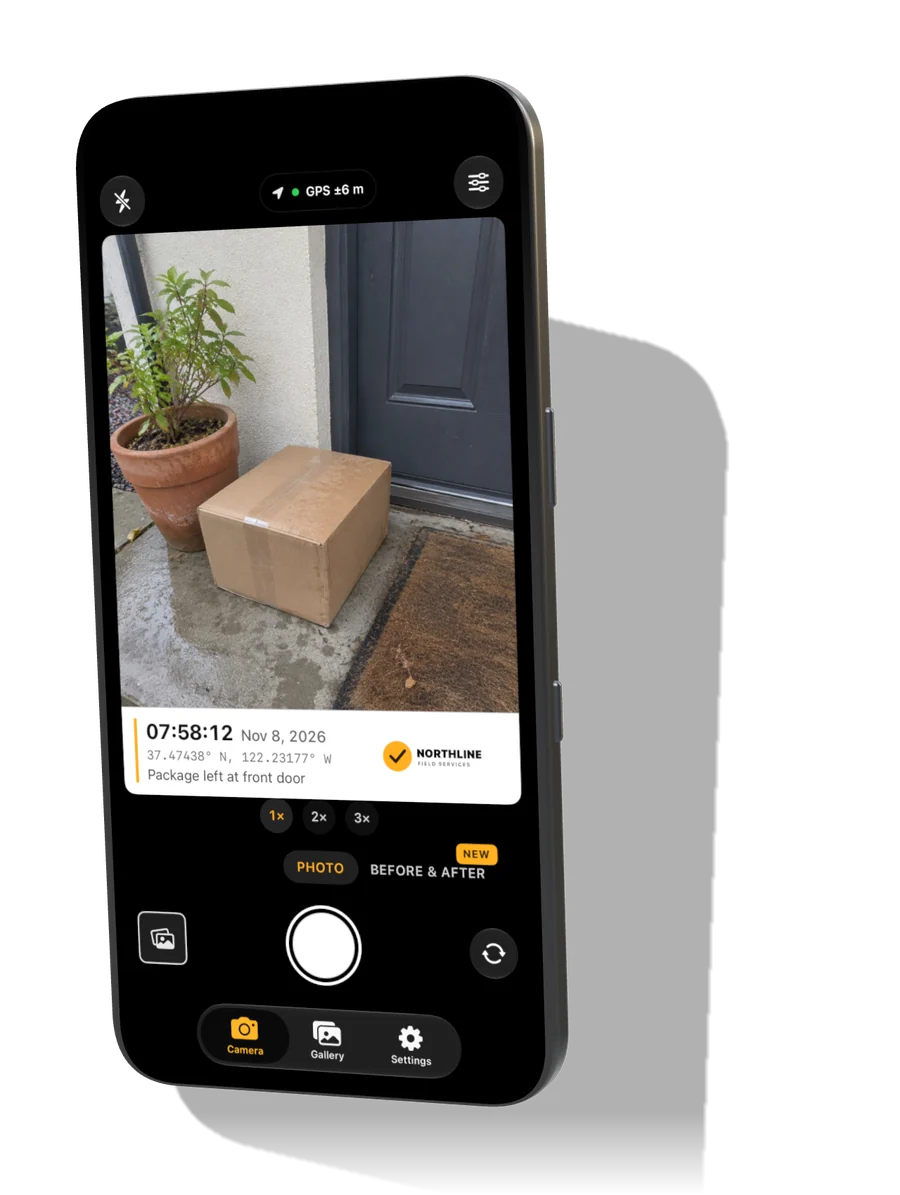
From the photo
to the report
40 seconds. Sound is off until you turn it on.
Built for
your kind of work
If the job needs a photo with a time and place on it, ProofCam fits.
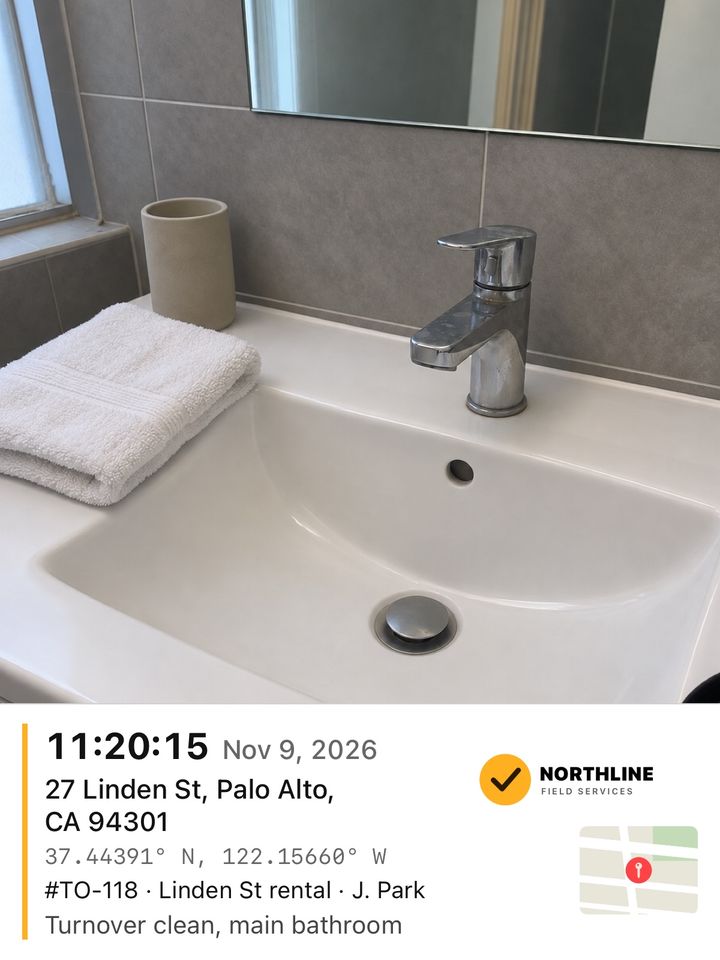
Cleaning
House cleaners, rental turnovers, offices and carpets.
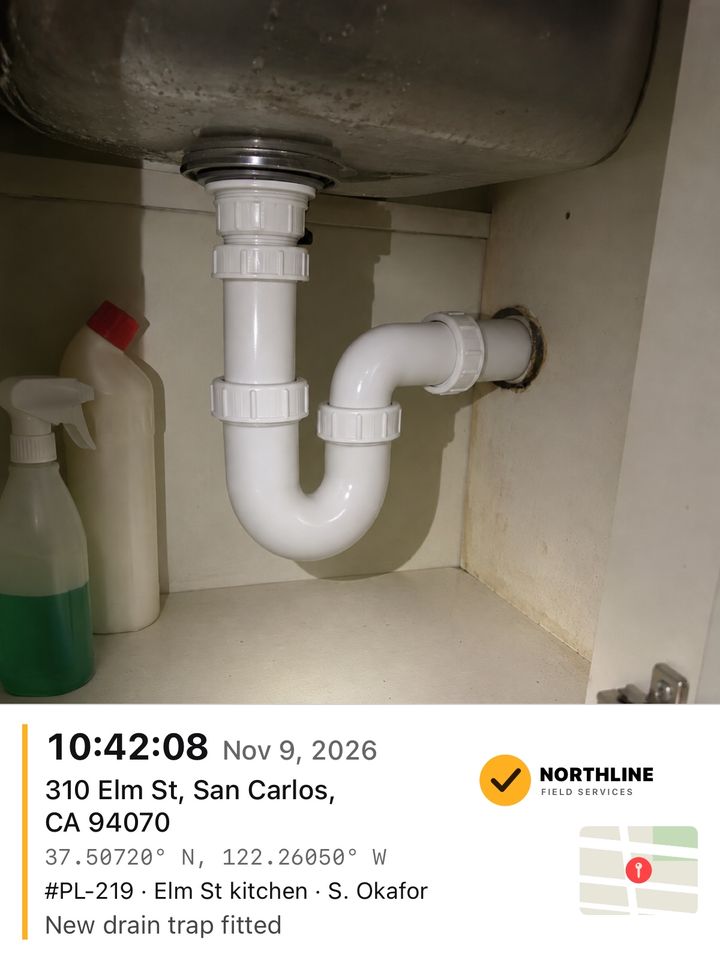
Trades and repairs
Painters, plumbers, handymen, roofers and HVAC.
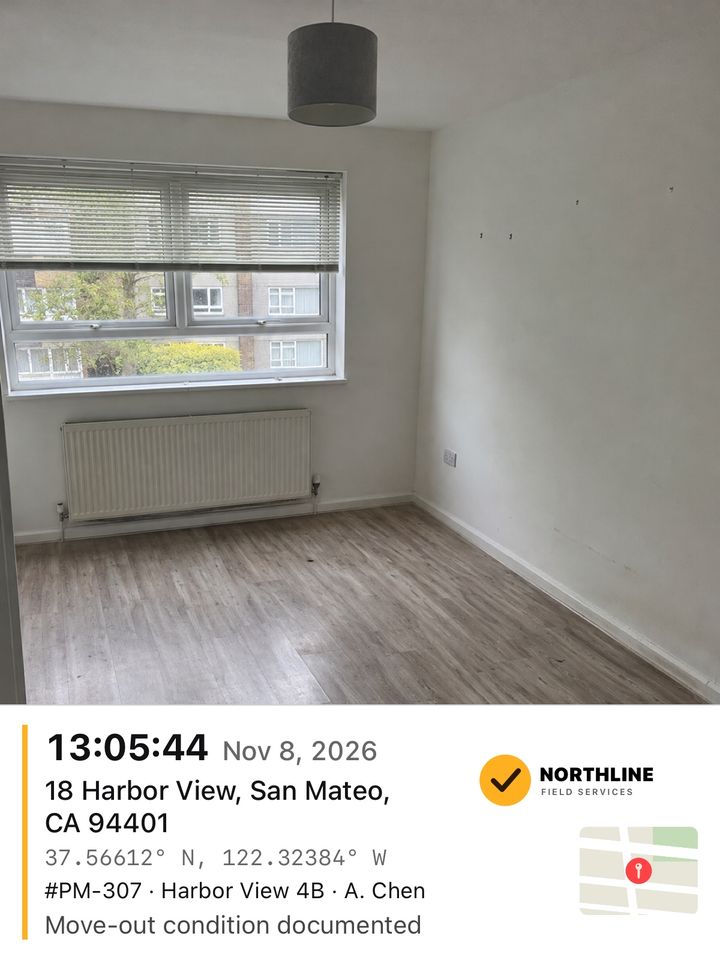
Property
Landlords, property managers and home inspectors.
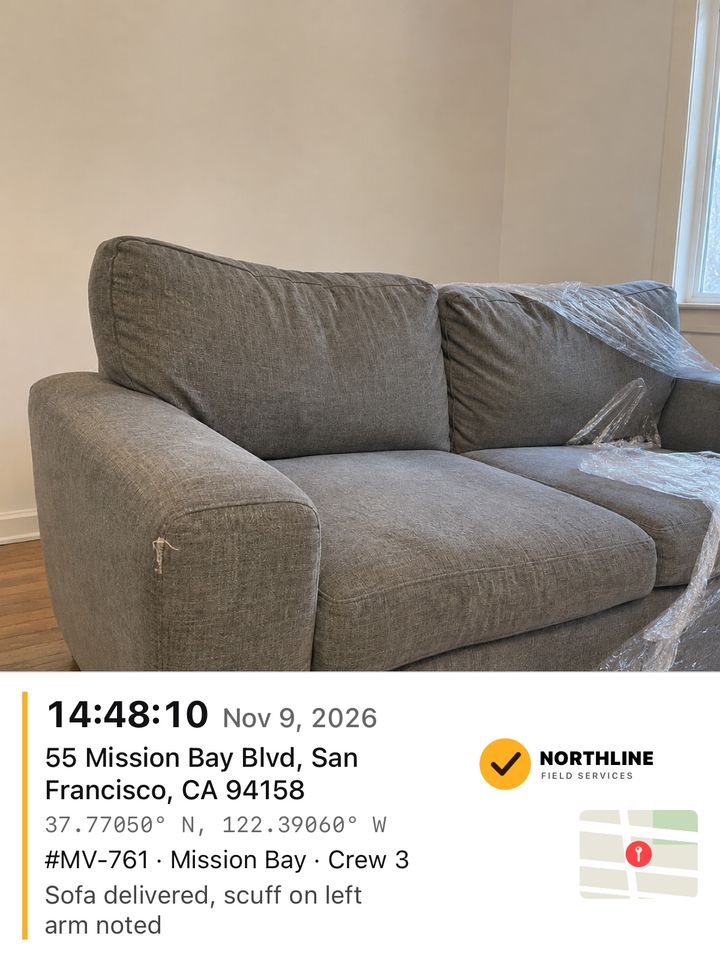
Delivery and moving
Couriers, movers and furniture delivery.
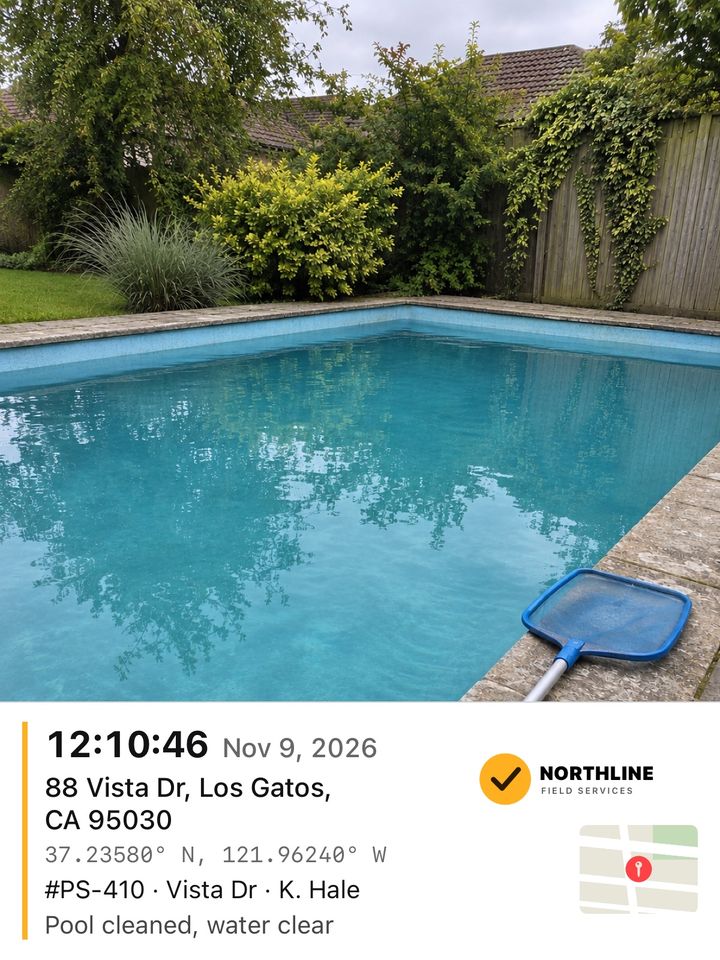
Outdoor services
Lawn care, pools, pest control and snow removal.
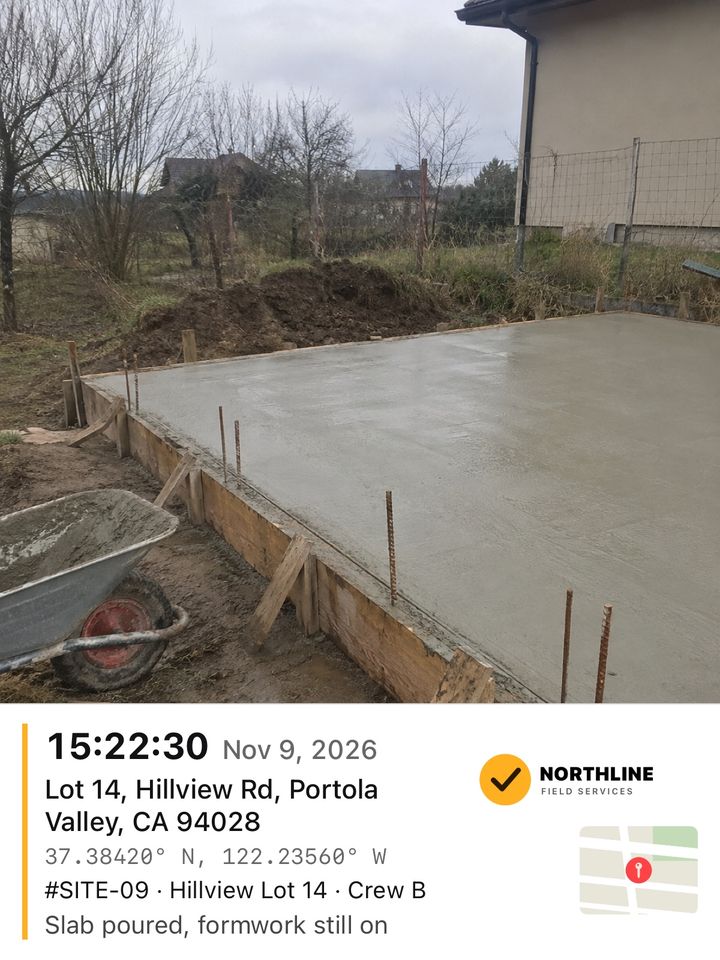
Site and field checks
Construction progress, safety walks and equipment checks.
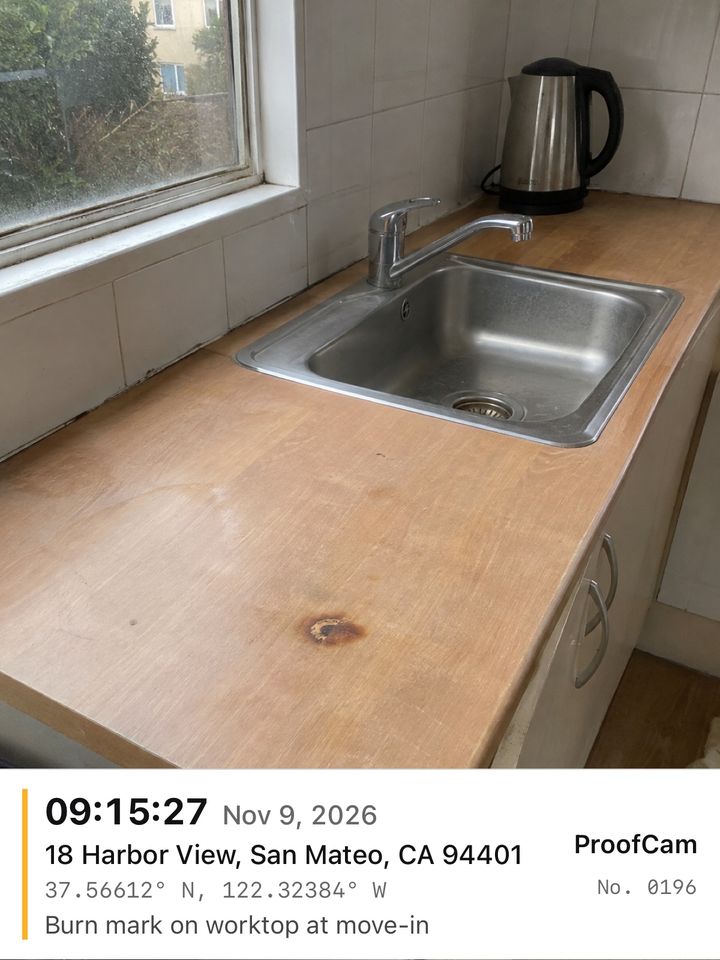
Personal
Renting a flat or a car, selling used things, storage units.
Your job is not here?
Any work you finish and need to show later: take the photo, the stamp is on it.
These sample scenes were made with AI for this page. The stamps on them were made by ProofCam itself, with fictional addresses. Most show the Pro stamp (logo, map and job details); Personal shows the free stamp.
Same angle,
hours apart
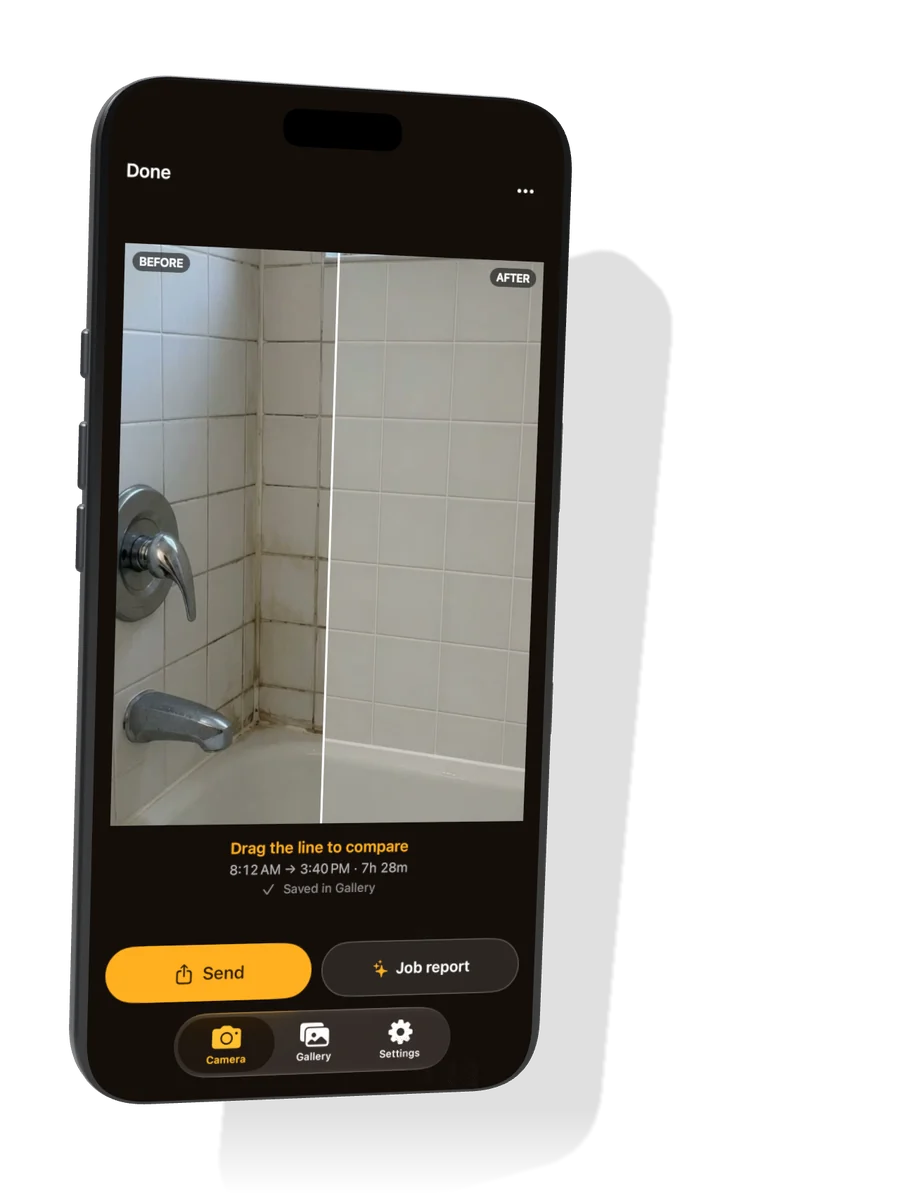
Take the before photo, do the job, then line up the after photo with on-screen guides. Drag the line to compare. Both photos keep their own time and place.
A PDF report
for your clientPRO
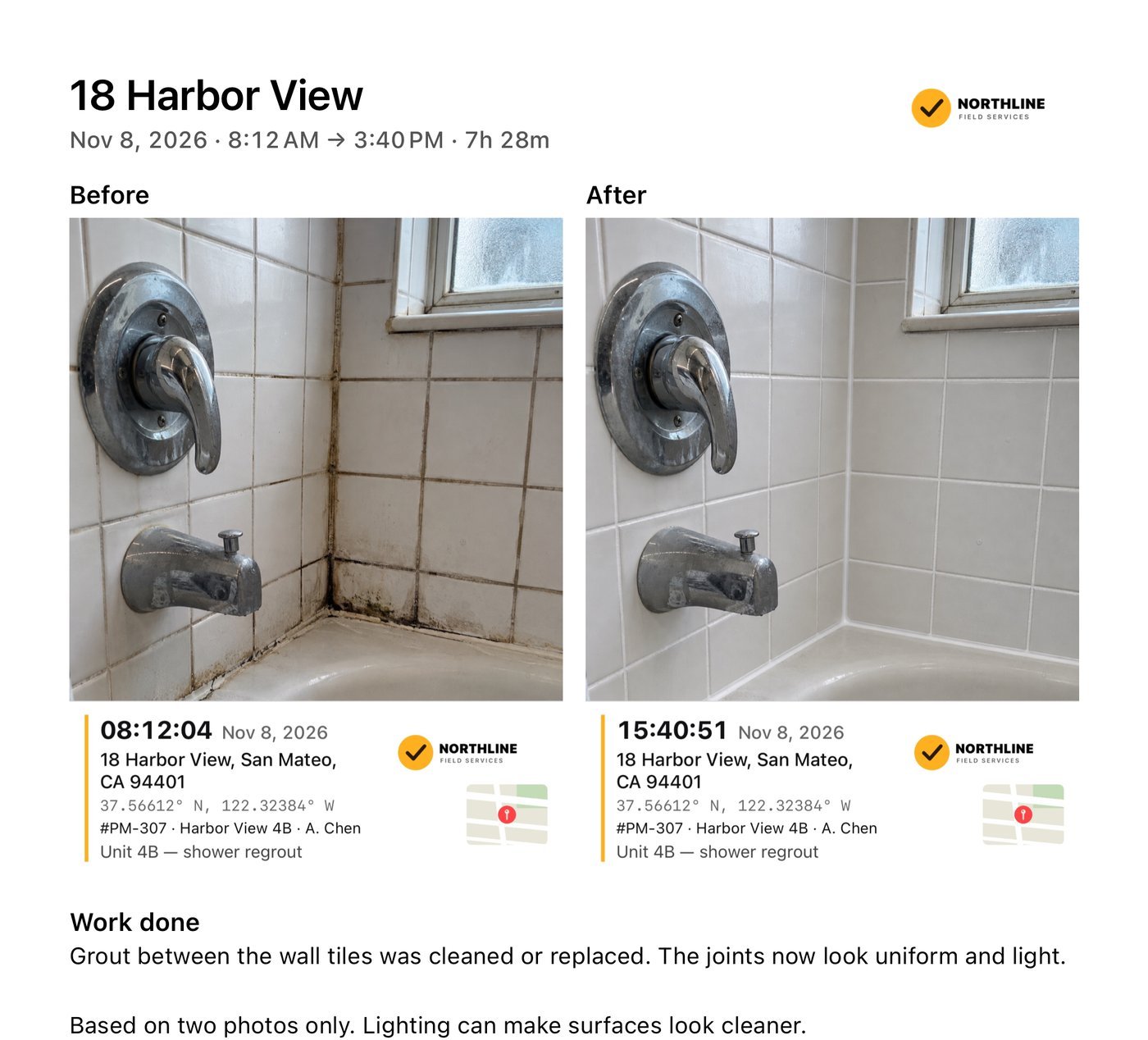
Before and after with their stamps, your logo and a short note on the work done. Write it yourself, or ask for an optional AI draft and check it before sending.
Private
by default
No account
Open the app and start. No sign-up, no ads, no sales calls.
Works offline
Capture and stamp with no signal. Offline, the stamp keeps the time and GPS; the address needs a connection.
Your photos, your call
They leave your iPhone only when you share them or ask for an AI draft.
How do I put the date and time on iPhone photos?
The iPhone camera keeps the time in the photo's hidden details, but does not print it on the photo. ProofCam stamps the date, time, address and GPS onto the photo itself the moment you take it, so anyone who opens the photo can see them.
What photos should I take at move‑out?
Take a wide photo of each room from the doorway, then close photos of anything worn or damaged: walls, floors, appliances, windows. Do the same at move‑in, so you can show what was already there. Keep the original files.
How do I send before and after photos to a client?
Take the before photo, do the job, then take the after photo from the same spot with the on‑screen guides. With ProofCam Pro, send the pair or a PDF job report with both photos, their stamps and your note. On the free plan you can try it with a trial card signed by ProofCam.
How accurate is the location?
It comes from your iPhone's GPS. Outdoors it is often within a few meters; indoors or between tall buildings it can be further off. The camera shows the current accuracy, for example GPS ±6 m. The address comes from Apple, needs a connection and is approximate.
Is ProofCam free?
You can try it free: one stamped photo every 24 hours, with a small ProofCam mark. ProofCam Pro adds unlimited photos with no mark, sharing, PDF reports, AI drafts, projects, your logo and job details. Prices are shown on the App Store.
Is a stamped photo legal proof?
No. The stamp is a clear record of when and where your iPhone took the photo. It is not a legal certification, and location can be approximate.
Take your first
stamped photo